How it works
You, your designer or an AI agent build the site. Keel hosts it, keeps it online and keeps itself up to date. Here’s how a site gets onto Keel, and who can change what.
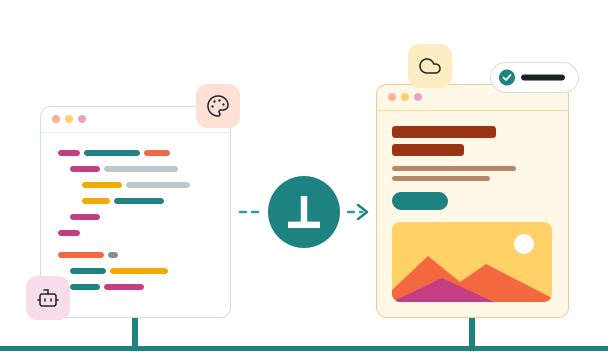
How a site gets onto Keel
Four steps. Your site stays out of search results until it goes live.
-

We set up your site
Contact us, and we’ll create your site on Keel and invite you as its site administrator. It starts at its own keelpage.com address.
-

You build it, or have it built
Write the layouts, stylesheet and pages yourself, hand them to your designer or agency, or have an AI agent build them through Keel’s API. Moving from another site? Ask us to clone it.
-

Preview before it’s public
The site is marked Coming soon, so search engines don’t list it. Preview links show every draft as visitors will see it.
-

Go live
When you’re ready, we switch the site to Live and connect your domain. Whoever looks after your domain adds the DNS records we send you, usually just one; your email and the rest of your DNS stay where they are.
What every site gets
Every site on Keel has all of this, with nothing to install.
-

Your own design
Layouts, partials and a stylesheet in your own HTML and CSS, stored with your site.
-

A keelpage.com address, then your domain
Your site starts on its own keelpage.com address and moves to your domain when it goes live.
-

Cloudflare in front
Every Keel site is served through Cloudflare, from its cache near your visitors. When you publish, Keel clears the old copy.
-

Images in the right size
Upload a photo once. Keel makes WebP copies in up to three sizes, and each browser picks the one that fits.
-

Contact forms with an inbox
Messages arrive by email and wait in an inbox in Keel. A Cloudflare Turnstile check stops most automated spam.
-

Readable by search and AI tools
Plain HTML pages with titles and descriptions, a sitemap, robots.txt, llms.txt and structured data.
-

Menus, redirects and site-wide details
Menus, redirects when a page moves, and details such as your phone number that appear on every page.
-

Sign-in without passwords
You and your staff sign in with a link we email you or with a passkey.
-

An audit log
A record of every change: who made it, what it was, and when.
Your design, not a template
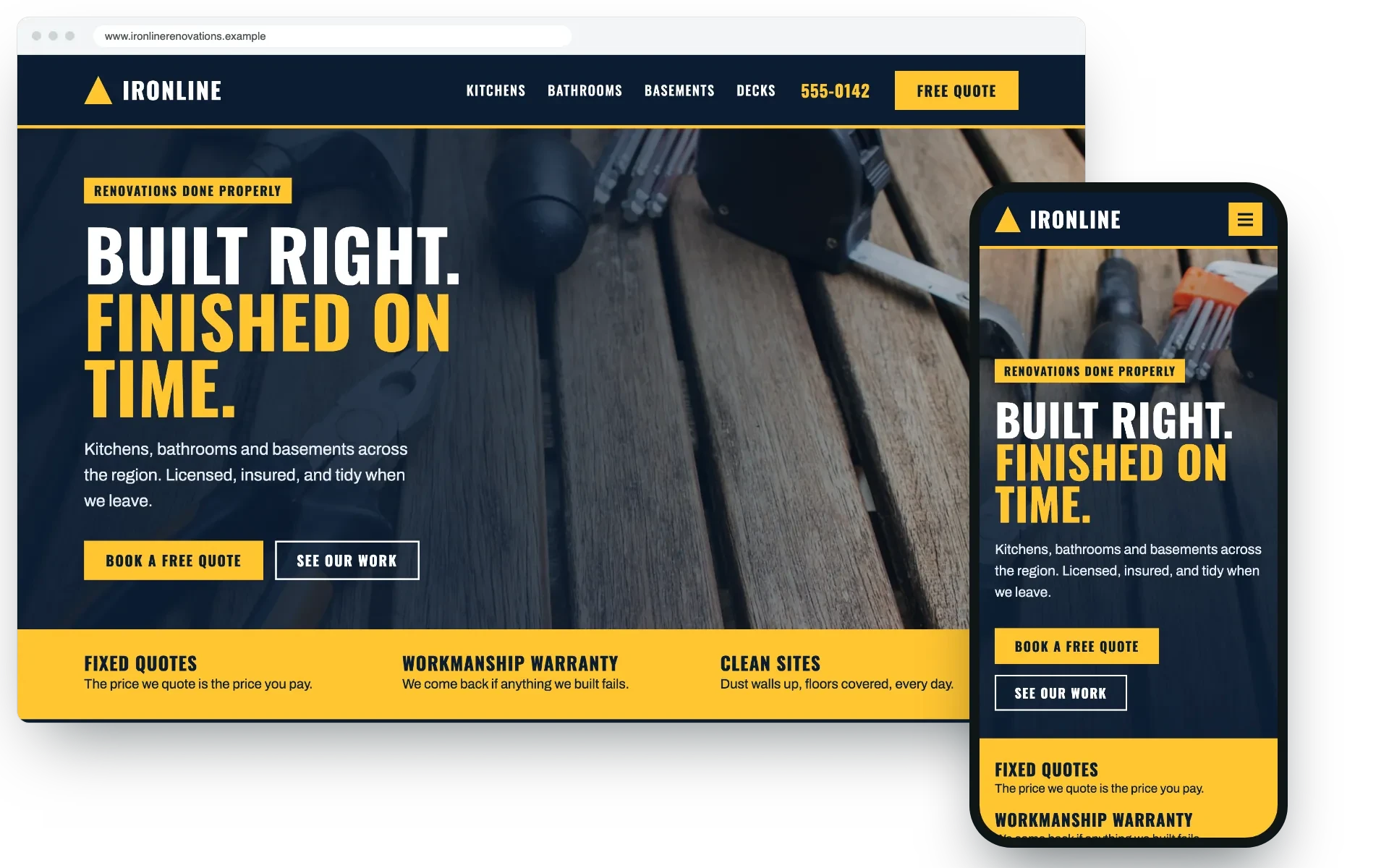
Every site on Keel has its own layouts, partials and stylesheet, so it can look however you like. This example for a fictional renovation company is plain HTML and CSS; it’s not a customer’s site.
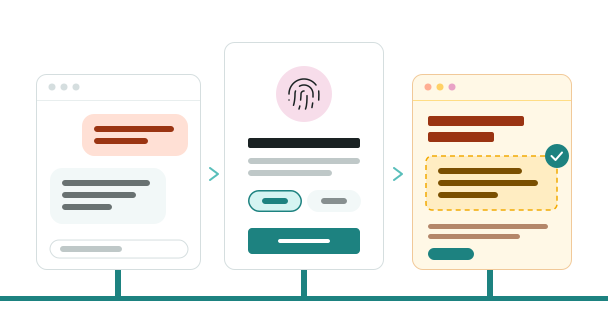
Have an agent look after your site
An AI agent can update pages, add new ones or work on the design for you.
- It asks to connect, and you approve it in Keel with your passkey.
- You choose its role: content creator to edit pages, or site administrator to work on the design too.
- It works only on your site, for as long as you choose when you approve it (12 hours to 90 days), and its access tokens expire every 15 minutes.
Everything it does is in the audit log.
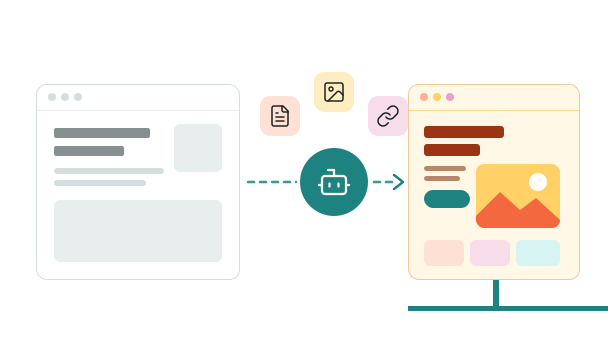
Moving from another site?
Ask us through the contact form, and our team will send an agent to clone your current site onto Keel. Your pages, images and links come across, your old page addresses redirect to the new ones, and simple contact forms are rebuilt as Keel forms. You check the copy at its own keelpage.com address before your domain moves, and you can change anything once it’s on Keel.
Cloning one site of up to 50 pages is free; for a bigger site, contact us. We don’t take membership sites or online stores.
How Keel stays online
We look after the hosting in Microsoft Azure’s Canadian regions, Cloudflare in front of your site, and Keel itself, with every update to it.
-

Nothing for you to update
Keel has no plugins to install or patch, and no server for you to manage. We keep the platform up to date.
-

Watched around the clock
Keel’s platform is checked every 5 minutes from three locations, and our team is alerted when checks fail.
-

Mistakes can be undone
Restore an earlier version of any page as a draft, then publish it again.
Who can change what
As the business owner, you’re the site’s administrator: you own the design. Staff who only edit pages are content creators.
-

Content creators can
- Edit the words, headings, photos and buttons on any page.
- Add new pages using your site’s layouts.
- Embed a YouTube or Vimeo video, or a Google map.
- Upload photos, which Keel resizes for you.
- Save drafts, preview them and publish when they’re ready.
- Restore an earlier version of a page.
- Update site-wide details, such as your phone number or opening hours.
- Read the messages from your contact form.
- Approve an AI agent to edit pages for them.
-

Site administrators can do all of that, and also
- Change the design: layouts, partials and the stylesheet.
- Invite people and choose their role.
- Change menus and set up redirects.
- Approve an AI agent to work on the design too.
- See the site’s audit log.
Ready to talk about your site?
Tell us what you have now and what you need. We’ll reply by email.