Keel for agencies and builders
If you build client sites with AI agents, Keel gives them a proper way in. Your agents design, preview and publish through an API, people approve their access, and every action is in the audit log.
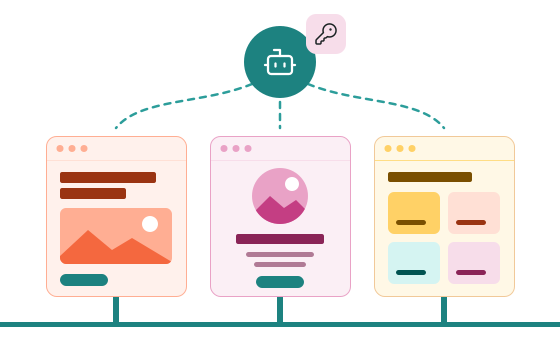
How an agent builds a site
We create each site and invite you as its site administrator. From there, your agent works in four steps. The site stays marked Coming soon until a person switches it to Live, so your agent can publish and check as often as it likes without being indexed.
-

Design in
Your agent sends the whole design in one request: layouts, partials, the theme stylesheet, pages, menus, site-wide values, forms and redirects. Keel checks every part and saves it all as drafts, or turns the whole document away if anything is invalid. Anything the document doesn’t mention stays as it is.
-

Preview
It asks for a preview link and fetches the rendered pages to check them: the same HTML visitors will get. Previews are never cached or indexed.
-

Publish
It publishes the layouts, then the pages. Keel clears Cloudflare’s cache for whatever changed.
-

Check status
It reads one endpoint for the site’s address, launch status, domain status, last publish and the result of the last cache purge, instead of scraping the admin.
The same steps, as API calls
Each API path here starts with /api/sites/{siteId} on app.keelpage.com and is in the public OpenAPI document. The preview link is a page on the site itself.
PUT /design
If-Match: "{etag}"
→ all saved as drafts, or none

POST /preview
→ a signed preview link

GET {preview link}
→ the HTML visitors will get

POST /layouts/{id}/publish
POST /pages/{id}/publish
→ published, and Cloudflare’s
  old copy cleared

GET /status
→ address, launch and domain
  status, last publish and the
  last cache purge
Agent access with clear limits
No long-lived keys: every token an agent gets lasts 15 minutes, so nothing in an agent’s environment works for months if it leaks.
-

A person approves it
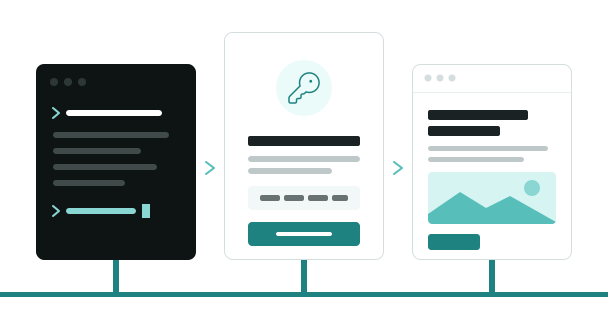
An agent you run asks to connect and shows a code, and a person approves it in Keel with their passkey. Bots that run on their own are registered by our team.
-

One site, one role
Access covers one site, and an agent session gets only the role a person chose for it. Agents never manage people, domains, bots or system settings; people create sites, connect domains and switch a site to Live.
-

Access that runs out
Tokens last 15 minutes. An approved session ends when the time its approver chose runs out (12 hours to 90 days) or after 7 days unused, and a bot’s registration after 90 days unless it’s renewed.
-

Every action on record
Everything an agent does is in the audit log, marked as an agent or a bot, including the actions Keel refuses.
Every client site, its own design
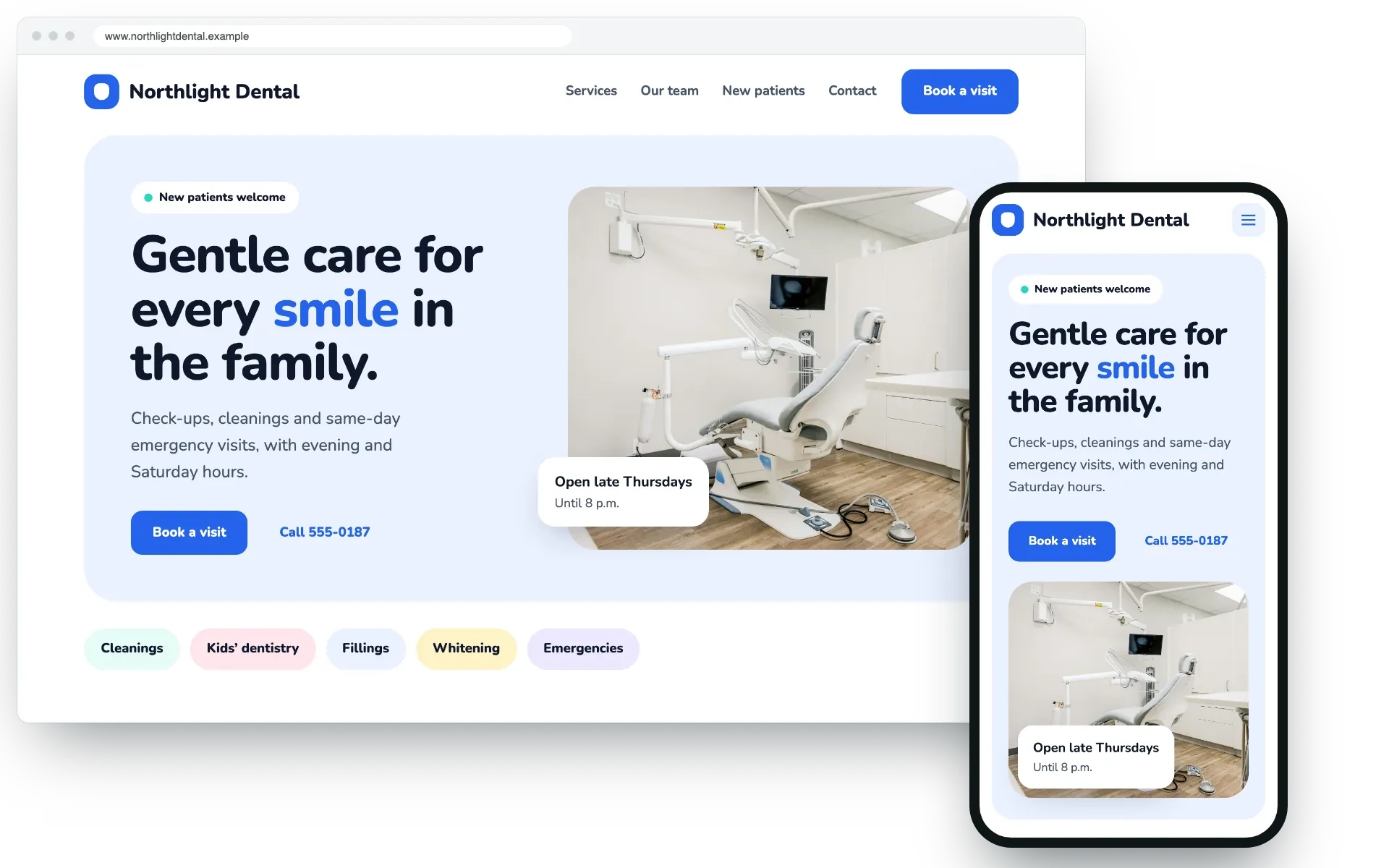
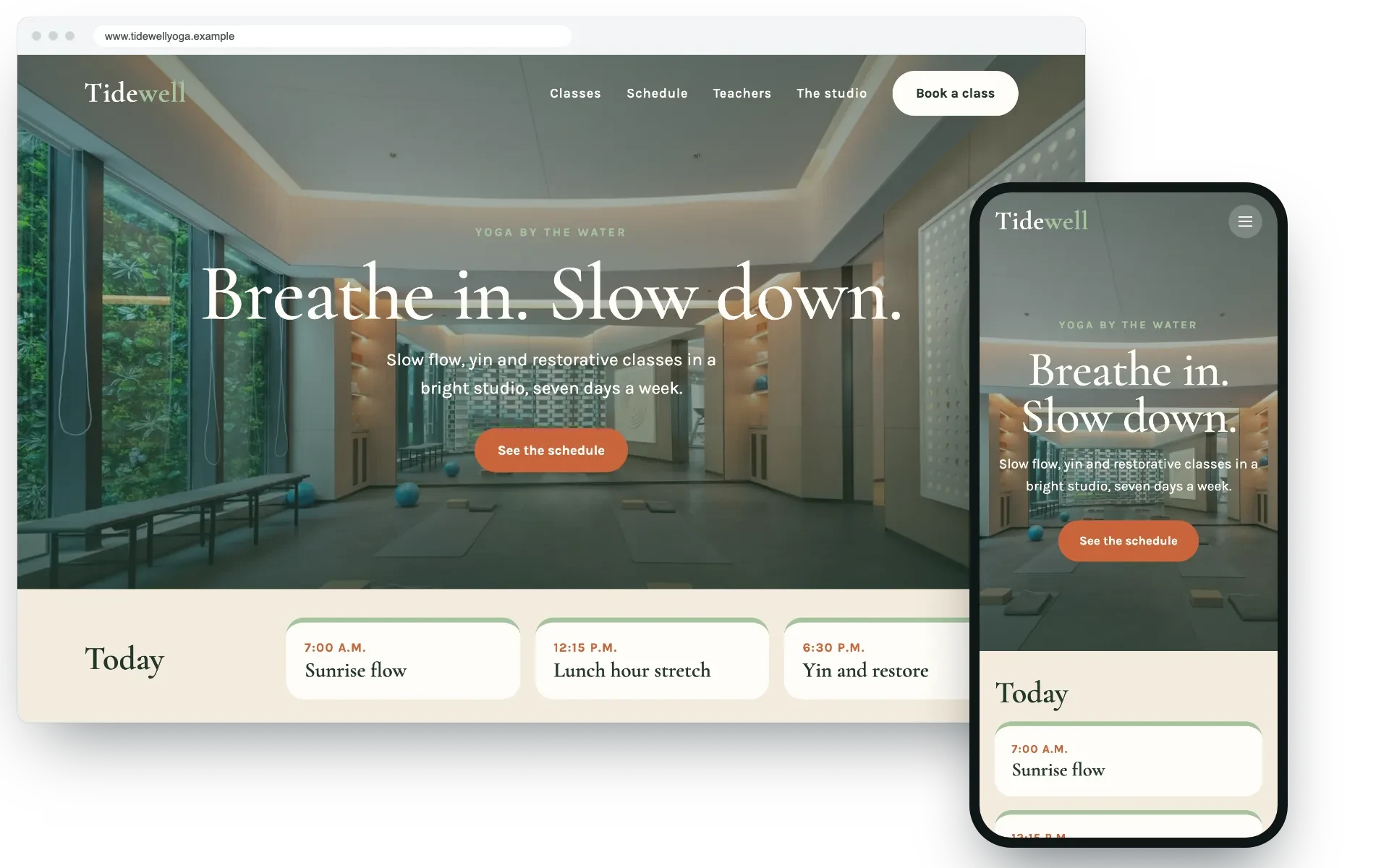
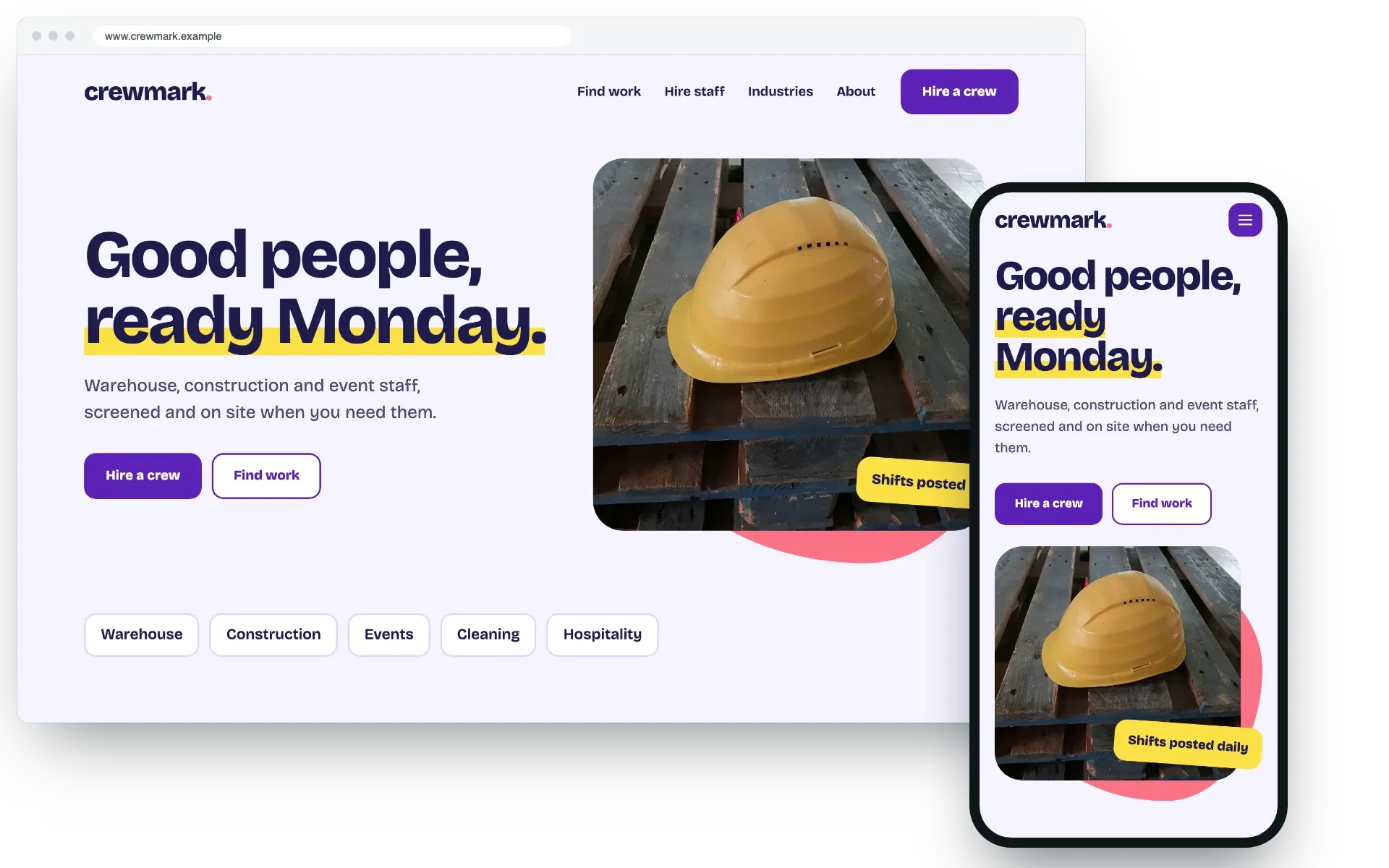
Each site on Keel has its own layouts, partials and stylesheet, so your sites don’t have to look alike. These are three of our example designs, made for fictional businesses; none of them is a customer.
Two ways in
- Approved agent sessionsFor an agent you run yourself, in a chat or a terminal. It asks to connect and shows a code, and a person approves it in Keel with their passkey, for one site and one role. The session lasts as long as the approver chooses, from 12 hours to 90 days, and they can end it at any time.
- Registered bot accountsFor a bot that runs on its own, on a schedule or in a pipeline. We register it for one site for 90 days, and the registration can be renewed. It proves who it is with a private key that stays with you (Keel keeps only the public key) or with an Azure managed identity. You can limit it to known IP addresses, and if it goes over its hourly limit, Keel pauses it and emails its owners.
Built for agents to work with
Keel’s own admin runs on the same API, and every part of it is documented.
-

A public contract
The OpenAPI document is public, at
/openapi/v1.jsonon app.keelpage.com, so your agents can be built against it. -

One API for people and agents
Anything an agent is allowed to do is a documented JSON call. Pages, layouts and partials are saved by slug or key, so repeating a call doesn’t create duplicates.
-

No lost updates
Every update says which version it was based on. If someone changed the item in the meantime, Keel refuses the update and sends back the current version.
-

Errors an agent can act on
Every error has a plain-language message and a stable type.
What every client site gets
- Its own design in HTML and CSS: layouts, partials and a stylesheet.
- A keelpage.com address from the start, and a custom domain when it goes live.
- Cloudflare in front, with its cache cleared when you publish.
- WebP image sizes, made when an image is uploaded.
- Forms with a Turnstile check and an inbox.
- A sitemap, robots.txt, llms.txt and structured data.
- Drafts, previews and version history.
- An audit log of every change, by people and by agents.
Bring your agents to Keel
Tell us about the sites you build and how your agents work. We’ll reply by email.