Go Live
Open your published website to visitors at its keelpage.com address. Every plan can go Live; a custom domain needs a paid plan.
Steps
If the menu is hidden, click Open menu first.
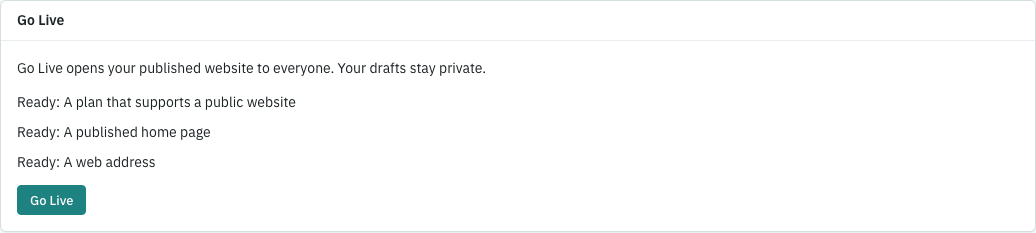
- As the account owner or a site administrator, open Web address and launch. You’ll see the site’s address and visibility.
- Under Go Live, check that the home page is published and a web address is ready. Every plan can go Live on the site’s keelpage.com address; a custom domain is optional and needs a paid plan. Finish any item marked Needed.
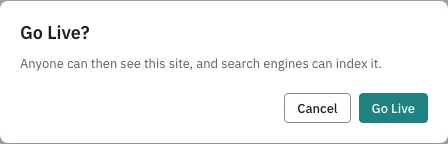
- Click Go Live, read the confirmation and click Make my site Live. The card then reads Your site is Live. Drafts remain private.
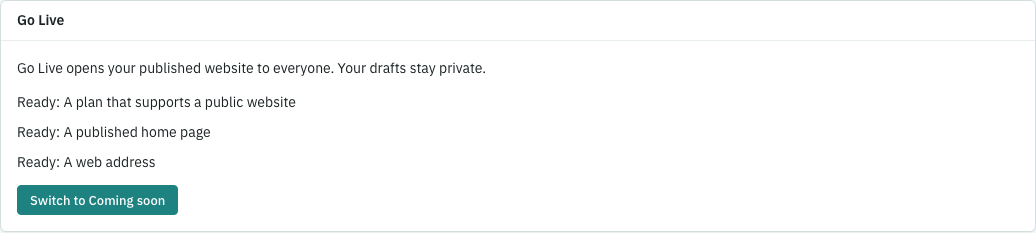
- Click View your live site and check the published site. If you need to make it private again, click Switch to Coming soon and confirm.
Publish your home page first
First publish your home page from Pages. If it is missing or still a draft, Go Live stays grey with Publish your home page first. Keel gives the same reason if a launch is requested any other way before the home page is published. For example, publish About us but leave Home as a draft: the site stays Coming soon. Publish Home, then click Go Live. Switch to Coming soon stays available even after the home page is taken off the site.
What counts as a waiting change
The overview’s Publish your changes step counts saved drafts and edits, and the note beside it names each page with changes waiting. A page you deliberately took off the site is no longer waiting; edit it again and it returns to that list. Never-published drafts still wait, even when empty. For example, taking About us off the site removes it from the waiting sentence; saving new words in its sidebar adds it back.
If something goes wrong
If your plan’s allowance is used, Keel says so and links to Billing, where the account owner can review another plan. Every plan can go Live on a keelpage.com address; a custom domain needs a paid plan. If the site changed while you were confirming, click Reload current site and review again. Publish the home page before trying to launch.